Tips for Creating a Cozy and Functional Home Office Space
Creating a home office space that is both cozy and functional can greatly improve your productivity and overall well-being. Whether you work remotely full-time or occasionally need a spot for focused tasks, designing a workspace that feels inviting and efficient is key. This guide offers practical tips to help you make the most of your home office, balancing comfort with functionality.
Choose the Right Location
Selecting the ideal spot for your office is the first step. Consider these factors:
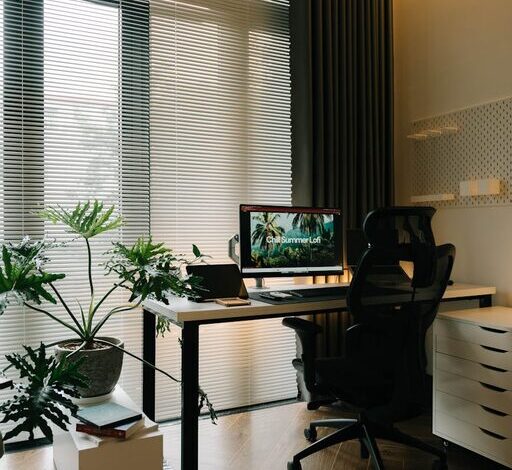
– Natural Light: A space with ample natural light can boost mood and reduce eye strain. Position your desk near a window if possible.
– Quiet Environment: Choose an area away from household noise to minimize distractions.
– Space Availability: Even a small nook can work if organized properly.
Invest in Comfortable Seating
Spending hours sitting requires a chair that supports good posture and comfort.
– Opt for an ergonomic chair with adjustable height and lumbar support.
– Use cushions or footrests to enhance comfort as needed.
– Remember, a comfortable chair helps prevent fatigue and back pain.
Organize with Purpose
Clutter can hamper focus. Organize your office to keep essentials accessible but tidy.
– Use shelves, drawers, or filing cabinets to store documents and supplies.
– Desk organizers can keep pens, notebooks, and gadgets in order.
– Adopt a system (like color-coding or labeling) to find items quickly.
Personalize Your Space
Adding personal touches can make your office feel welcoming.
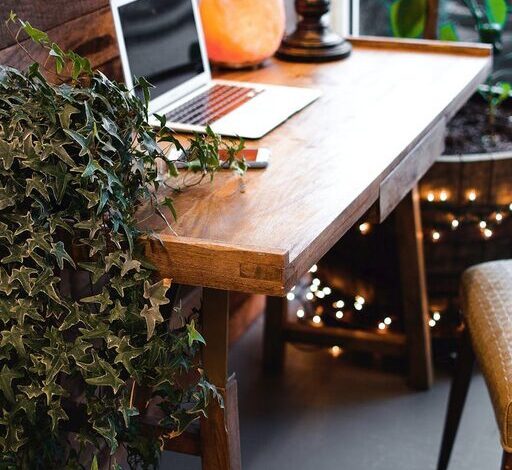
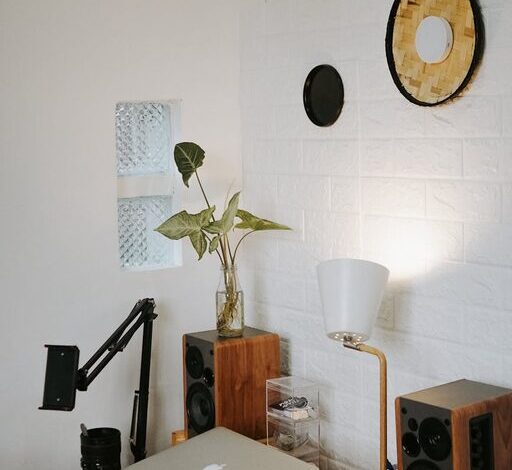
– Decorate with plants; they improve air quality and add calmness.
– Hang artwork or photos that inspire and motivate you.
– Incorporate colors you enjoy, but keep them soft or neutral to avoid overstimulation.
Optimize Lighting
Good lighting is vital, especially if natural light is limited.
– Use a combination of ambient, task, and accent lighting.
– Desk lamps with adjustable brightness help reduce eye strain.
– Position lights to avoid glare on screens.
Create a Functional Desk Setup
Your desk should accommodate your workflow smoothly.
– Ensure you have enough surface area for your computer, notebooks, and other tools.
– Arrange cables neatly using clips or sleeves to prevent tangles.
– Consider dual monitors if your work involves multitasking.
Manage Technology Efficiently
Technology can aid productivity but requires good management.
– Keep chargers and devices within easy reach.
– Use wireless devices to minimize cord clutter.
– Invest in noise-cancelling headphones if background noise is an issue.
Consider Storage Solutions
Adequate storage keeps your workspace tidy and stress-free.
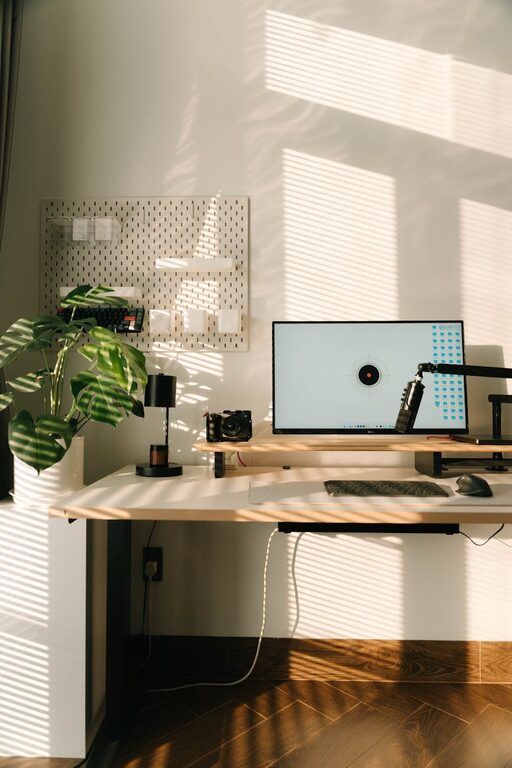
– Use vertical space with floating shelves or pegboards.
– Store infrequently used items in labeled boxes.
– Keep daily essentials near your desk.
Incorporate Break Areas
If space allows, create a small nook for breaks.
– A comfy chair or cushion promotes relaxation.
– Use this area to stretch or read, helping to reset your focus.
Maintain a Routine and Clean Regularly
A clean, organized space supports a productive mindset.
– Allocate a few minutes at the end of each day to tidy your desk.
– Regularly review and discard unnecessary items.
– Keep cleaning supplies handy to quickly address dust and spills.
Final Thoughts
Designing a home office that is both cozy and functional doesn’t require a complete overhaul. Focus on creating a comfortable atmosphere, staying organized, and tailoring the space to your work habits. By following these simple tips, you can enjoy a workspace that supports productivity and feels like your own personal retreat.